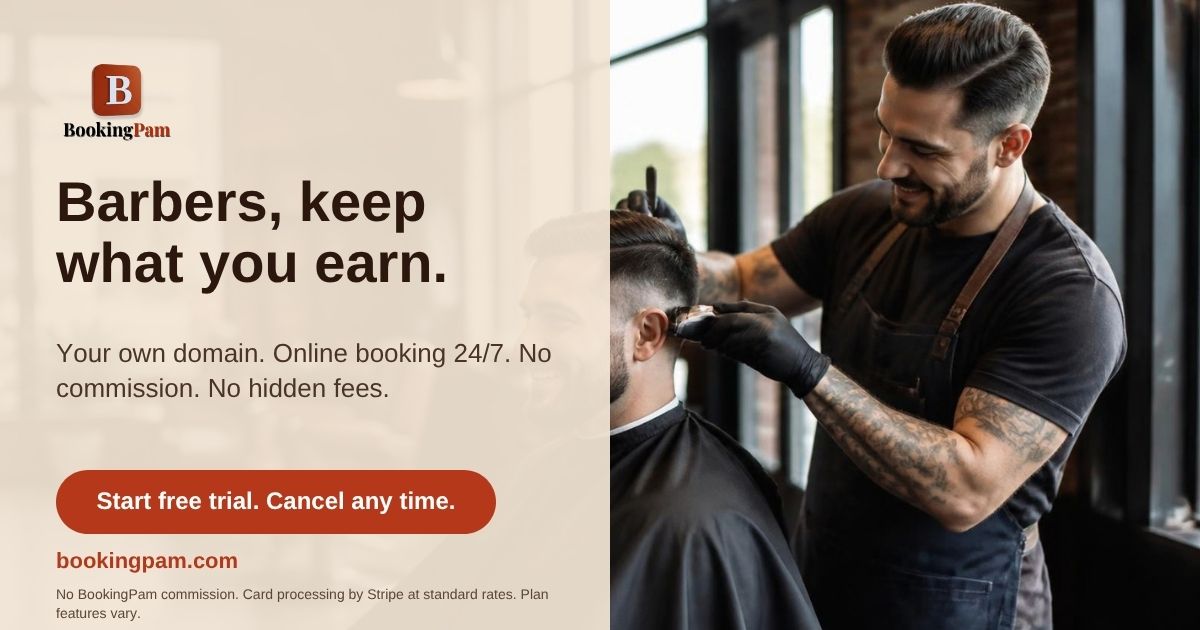
Barbershops live and die by visible proof of skill. A consistent post schedule of fresh cuts beats an inconsistent one of great cuts, every time. BookingPam Post lets you line up a week of fades in one sitting.
Why Social Media Matters for Barbershops
Barbering is one of the most visual trades there is — a clean fade or a sharp lineup sells itself in a single photo. Clients don't search "barber near me" and read reviews first; they scroll Instagram and book the chair whose last ten posts looked the cleanest.
The shops that stay full aren't necessarily the most skilled — they're the most visible. A barber who posts three times a week builds a reputation that compounds, while an equally talented barber who posts once a month stays a well-kept secret.
What to Post: Barbershop Content Ideas That Actually Work
- Before/after transformations — the single highest-performing post type for barbershops, every time
- "Fresh Fade Friday" or similar weekly themes that give clients a reason to check your page on a schedule
- Walk-in availability — a quick "chairs open today" post fills gaps in the schedule same-day
- Staff spotlights — introduce each barber so new clients know who to request
- Product and style trends — skin fades, tape-ups, beard work, whatever is trending that month
- Shop culture — the TV, the conversation, the vibe. People choose a barbershop, not just a haircut
The Real Problem: You Don't Have Time
The math doesn't work. A barber cutting hair eight hours a day isn't opening five apps between clients to post the same photo five times — and most don't post at all once the chair gets busy, which is exactly when posting matters most.
This is exactly the gap BookingPam Post is built to close — not by asking you to post more, but by letting you schedule a week (or a month) of content in one sitting, whenever you actually have ten free minutes.
What BookingPam Post Does For You
- Write once, post everywhere: Schedule to Facebook, Instagram, Threads, Bluesky, Mastodon, Discord, Telegram, and YouTube from one calendar.
- See everything at a glance: What's queued, what's published, and what needs attention — one dashboard, not five apps.
- Free to start: 3 connected channels, no credit card required. Upgrade to Gold any time for unlimited channels.
- Already a BookingPam customer? Sign in with your existing account — Post comes with your plan, no separate signup.
Getting Started
- Create your free account — no credit card needed
- Connect your social accounts (takes about 2 minutes)
- Write your first post and schedule it for the week
- Whenever you have downtime, batch a few weeks of content at once
Post Every Cut. Skip the Busywork.
Free for 3 channels. No credit card. Start posting in minutes.
Start Free →